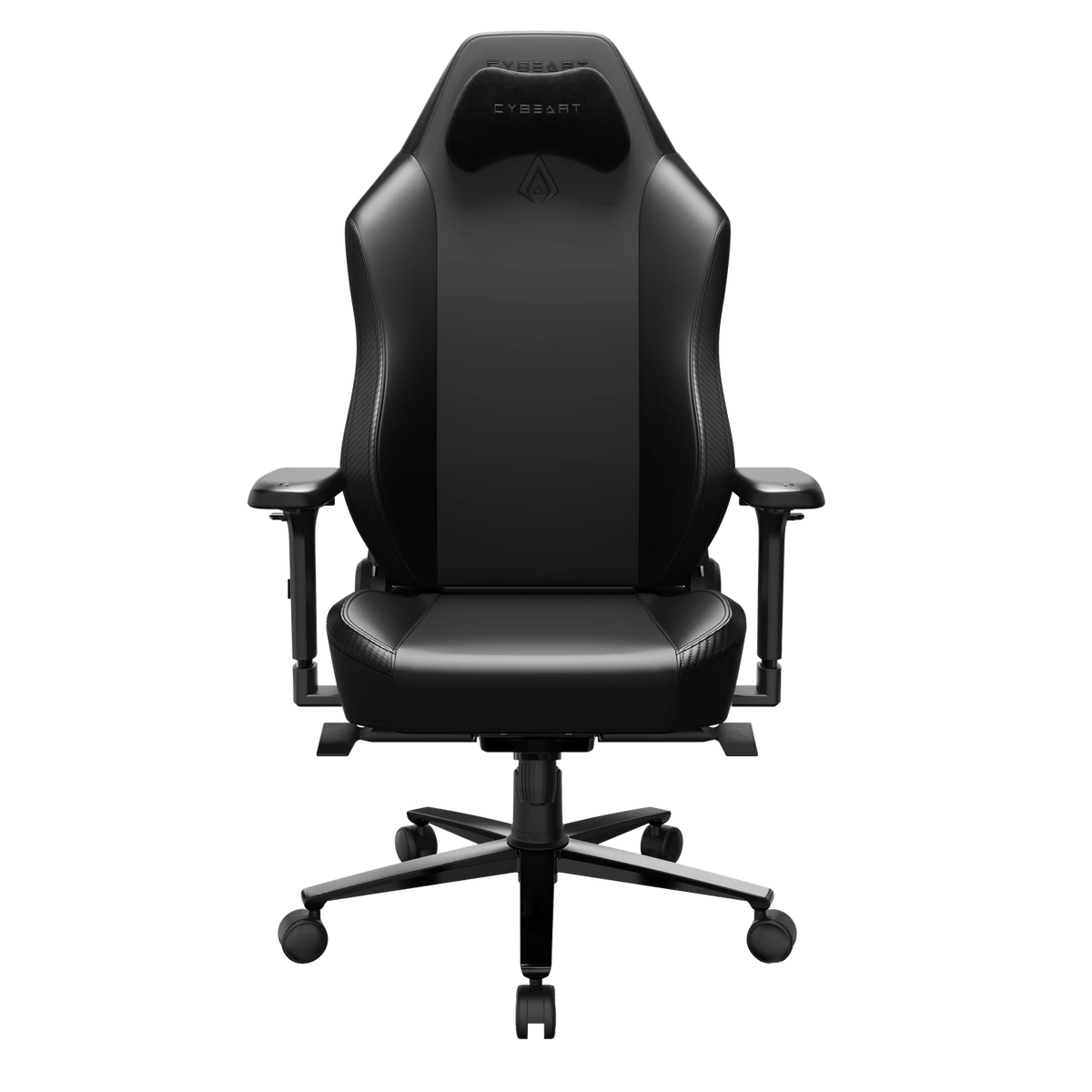
A chair can support your back. It cannot fix back pain, and no chair can promise to. What a well-made one does is hold a good sitting position for hours, so you are not slumping, perching on the edge of the seat or reaching for the desk. If your back hurts often, or the pain does not go away, see a doctor or a physiotherapist: a chair supports your posture, and it is not a medical device.
What a Chair Can and Cannot Do
Long hours at a desk are hard on the body because posture drifts. You start upright. Two hours later your shoulders have rounded, your lower back has lost its curve and your head is leaning toward the screen, and most people never notice it happening.

A chair helps by making the good position the easy one. Support built into the backrest meets your lower back where it is, a firm seat stops you sinking, and armrests at the right height take the weight of your arms. It cannot replace moving around, a desk at the right height or advice from a professional. It also works only as well as it is set up, and a chair that does not fit you can make things worse.
Lumbar Support: APEX and NEO
For the lower back this is the part that counts most, and our two chairs go about it differently.

APEX: ErgoSync™ 4D Lumbar
APEX has ErgoSync™, a lumbar support built into the backrest with dual knobs: one sets the height, the other the depth. The idea is that the support moves to your spine rather than your spine to the support. There is no lumbar pillow on APEX, because the backrest does that job.
To set it, sit all the way back in the seat. Turn the height knob until the support sits in the curve of your lower back, roughly at belt level. Then turn the depth knob until the backrest meets your back without pushing you forward. If it feels as though it is shoving you off the backrest, back it off a little. Give a new setting a full day before you change it again.
NEO: Lumbar Arch Plus Pillow
NEO has a lumbar arch built into the backrest and ships with a memory-foam lumbar pillow. The arch gives every NEO a base level of support, and the pillow adds more where you want it.
Sit all the way back and try the chair without the pillow first. For more support, place the pillow in the curve of your lower back and move it up or down until it fills the gap between your back and the backrest. You should feel contact, not pressure.
Set the Rest of the Chair
Lumbar support only works when the rest of the chair fits you. Both chairs fit people from 5'5" to 6'4" (165 to 193 cm) and set up the same way.

- Seat height first. The seat moves from 48 to 56 cm off the floor. Set it so your feet are flat and your thighs roughly level. If your desk is too high for that, raise the seat and use a footrest.
- Sit all the way back. The seat is 52 cm deep where you sit. Your back should touch the backrest, with a small gap between the front of the seat and the back of your knees.
- Armrests to the desk. The 4D armrests move in height, width, depth and rotation, with 7 cm of height adjustment. Set them so your shoulders relax and your forearms rest level with the desk.
- Recline a little. Sitting bolt upright for hours is tiring. The multi-tilt mechanism reclines up to 135° and locks at several angles, and the seat tilts up to 30°. A slight lean back while you work, with your back still on the lumbar support, is easier to hold than perfectly straight.
- Neck pillow last. The AeroMag™ neck pillow is held on by magnets, with no straps, so you can move it until it sits behind your neck when you lean back, not behind your head.
Habits That Matter as Much as the Chair
No setting holds for eight hours without a break. Stand up and walk around regularly. Bring the screen to you rather than leaning toward it. Change your recline through the day instead of locking one position and forgetting it. Good adjustment is useful precisely because it lets you move between positions that are all supported.
If a particular position hurts, stop using it. Pain is a reason to talk to a doctor, not to keep turning knobs.
Why the Build Matters Over Time
A chair that supports you on day one has to keep doing it. Both of ours use high-density cold-cured moulded foam in the seat and backrest, a reinforced steel frame, and a BIFMA certified mechanism and gas lift. Both are certified to ANSI/BIFMA X5.1, tested by SGS, and rated to 330 lb (150 kg).
For a closer look at each lumbar system, read about APEX and its ErgoSync™ lumbar or NEO with its lumbar arch and pillow.